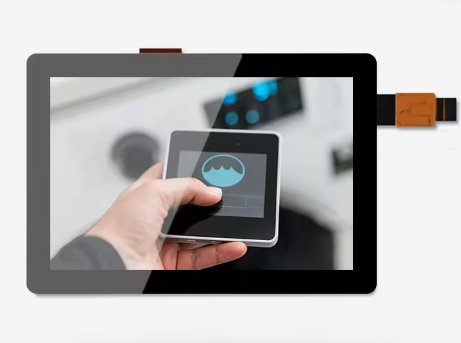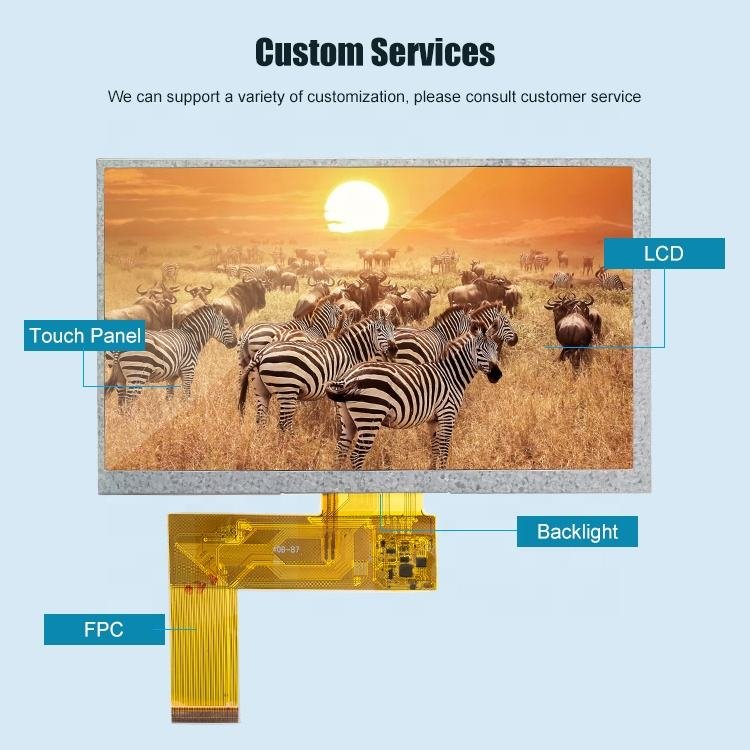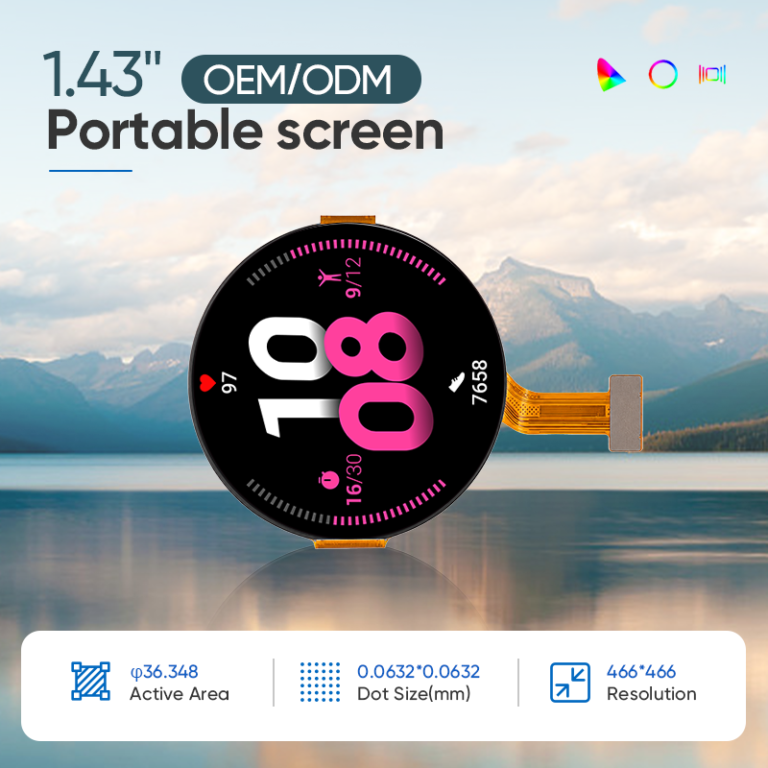
When comparing PCAP vs resistive touch screen options, the lowest purchase price is only one part of the decision. A display that needs expensive service visits can cost more over its working life. Equally, a more expensive touch technology may provide little financial benefit in a lightly used machine.
The right comparison includes purchase price, integration, replacement parts, labor, downtime, maintenance, and qualification. It also starts with a basic condition: both candidates must perform the required task reliably.
This guide provides a transparent five-year model for small industrial displays from 2.8 to 10.1 inches. All financial figures are illustrative assumptions, not QIHAN quotations or measured reliability data. QIHAN is a manufacturer of small and medium industrial displays and can be contacted to discuss application requirements and configuration-specific quotations.
Purchase Price Is an Incomplete Comparison
Resistive touch may have an attractive initial price for some specifications and order quantities. There is no universal percentage discount that applies across sizes, constructions, interfaces, and suppliers.
Compare equivalent assemblies. A bare sensor quotation cannot be compared fairly with a bonded display that includes cover glass, a controller, front sealing, and integration support. Make the scope explicit for both technologies.
Also identify the replaceable unit. If one solution allows sensor replacement and another requires a complete bonded stack, their service parts and labor will differ. That difference belongs in the model even when the bonded stack has other benefits.
For a 3.5 inch instrument, service access might dominate the calculation. For a 10.1 inch control panel, a full assembly replacement could be a larger expense. Screen size alone does not determine the outcome.
How the Two Technologies Differ
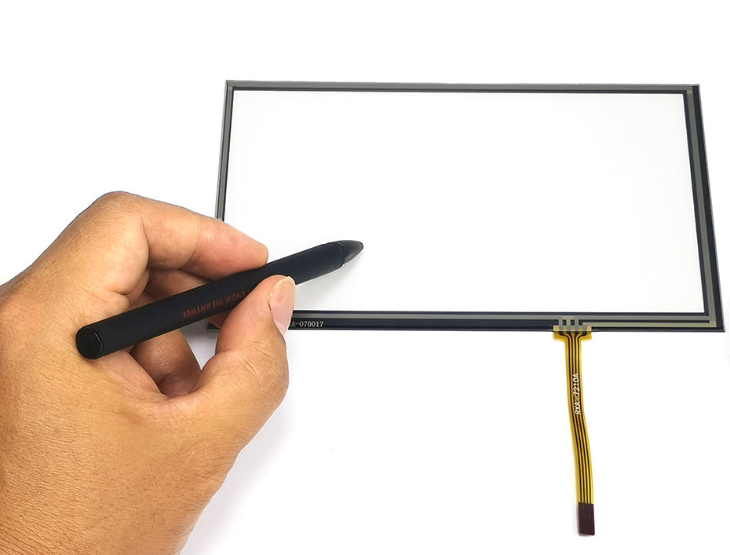
A conventional resistive touchscreen detects contact between conductive layers when pressure is applied. Elo’s explanation of five-wire resistive touch describes this operating principle. It can support input from a suitable stylus or gloved hand without depending on the same capacitive coupling as PCAP.
PCAP measures changes in capacitance and can support light touch and multi-touch when the selected controller and sensor provide those functions. Glove and wet operation depend on configuration and validation. Microchip’s touchscreen controller portfolio illustrates available industrial controller capabilities, not a guarantee for every finished panel.
Neither technology label establishes service life. Construction, loading, cleaning chemicals, impact, environment, and electronics all matter. A glass-front PCAP assembly can still suffer breakage, coating wear, connector problems, or controller failures.
Build a Five-Year TCO Model
For a simple undiscounted comparison, define the following per installed device:
Five-year TCO = initial installed cost + allocated integration cost + expected replacement cost + maintenance cost.
Expected replacement cost = expected replacement events × (replacement part + service labor + downtime loss).
Use expected replacement events over the full five-year period. A value of 0.30 means an average of 30 events per 100 installed devices; it is not a prediction that an individual screen will experience a fraction of a repair.
If multiple failures per device are possible, count events rather than assuming the percentage of devices with one failure tells the whole story. Keep unrelated machine failures outside the touch display comparison.
Worked Example: A Fleet of 100 Displays
Assume both candidates meet the same functional requirements. Initial and replacement parts below refer to equivalent serviceable display assemblies. All dollar values are USD and are chosen only to demonstrate the calculation.
| Five-year input or result, per device | Resistive | PCAP |
|---|---|---|
| Initial installed display cost | $85 | $115 |
| Allocated integration and qualification | $10 | $20 |
| Expected replacement events | 0.60 | 0.30 |
| Replacement assembly per event | $85 | $115 |
| Labor: 1 hour at $50 per event | $50 | $50 |
| Downtime: 0.5 hour at $100 per hour | $50 | $50 |
| Total cost per replacement event | $185 | $215 |
| Expected replacement cost | $111.00 | $64.50 |
| Five-year maintenance allowance | $20 | $20 |
| Five-year TCO per device | $226.00 | $219.50 |
| Five-year TCO for 100 devices | $22,600 | $21,950 |
The assumed PCAP advantage is $6.50 per device, or $650 for the fleet. That is approximately 2.9% of the resistive total. It is a modest result that could reverse if actual repair frequency, downtime, or integration cost differs.
The model intentionally assigns equal maintenance costs. There is no assumption that a capacitive glass surface is maintenance-free or that resistive screens inevitably need replacement every one or two years.
Initial installed cost excludes the separately listed integration allocation. Event labor and event downtime are separate economic items. Taxes, freight, financing, energy differences, warranty reimbursement, and disposal are excluded here; add them when they materially differ between candidates.
Sensitivity: Find the Assumption That Changes the Decision
In the example, PCAP has a $40 higher combined initial and integration cost. Its five-year cost can be written as $155 plus $215 multiplied by its expected replacement events. The resistive reference is $226.
Holding the other assumptions fixed, PCAP reaches equal modeled cost at approximately 0.330 expected replacement events: ($226 − $155) ÷ $215. A lower figure favors PCAP; a higher figure favors resistive under this specific model.
Now assume both options experience 0.30 replacement events. Resistive TCO becomes $170.50, while PCAP remains $219.50. The resistive option is then $49 less expensive per device.
Conversely, higher display-related downtime can increase the value of avoiding service events. Test low, base, and high scenarios rather than choosing only the assumptions that favor your preferred technology.
Where Reliable Cost Inputs Come From
Replacement Parts and Failure History
Use maintenance records from comparable equipment when available. Record the installed population, observation period, operating conditions, and what actually failed. A scratched surface, dim backlight, damaged cable, and frozen host application may require different corrective actions.
Avoid converting a supplier’s touch activation rating directly into a fixed number of service years. Test conditions and field use may not match. Without relevant data, label replacement frequency as an assumption and show how uncertainty affects the result.
Labor and Downtime
Measure the whole service activity: diagnosis, access, removal, installation, testing, and return to service. If a technician travels to the site, include that cost where applicable. If several machines are serviced during one visit, allocate travel reasonably.
Use your finance team’s accepted downtime method. Lost production revenue is not automatically the same as lost contribution or actual economic loss. A redundant machine or planned maintenance window may reduce the impact substantially.
Cleaning and Routine Maintenance
Compare required procedures and approved materials. A flush front may simplify wiping, but seals, coatings, and surrounding features still need attention. Resistive constructions also differ, so avoid assigning identical durability assumptions to all of them.
For an IP65 front panel, high brightness, optical bonding, anti-glare treatment, or wide temperature operation, include equivalent requirements in both quotations. Extra features should not be mistaken for a pure touch-technology price premium.
When Resistive Touch Can Still Be the Better Choice
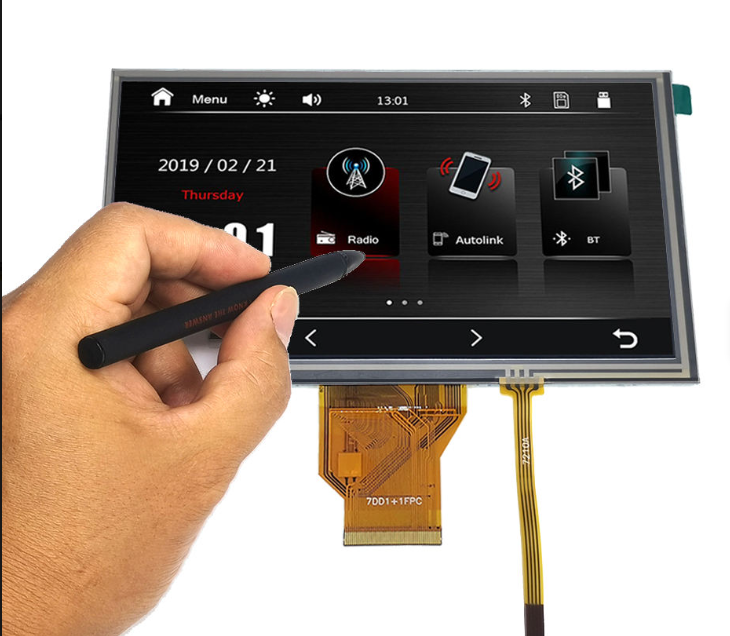
Resistive deserves consideration when the task requires input with thick insulating gloves, a simple passive stylus, or another suitable nonconductive object. Its pressure-based operating principle may fit those inputs with less touch tuning.
It may also be commercially sensible when an installed design already meets requirements, field service history is strong, and volumes do not justify migration engineering. For a basic single-touch interface, multi-touch capability may provide little practical value.
Do not infer that resistive automatically meets every environment requirement. Its surface, sealing, operating force, temperature limits, and controller integration still need evaluation.
Likewise, pressure activation does not automatically provide accurate force measurement. If pressure data is part of the application, specify that function separately and verify the selected implementation.
When PCAP Can Justify Its Upfront Cost
PCAP can be attractive when light touch, multi-touch gestures, a continuous glass front, or an updated interface delivers useful product value. Suitable configurations may also meet glove and moisture requirements after evaluation.
The financial case becomes stronger when those features reduce a measured cost: fewer service interventions, simpler cleaning, improved task completion, or reuse of an interface platform. Keep measurable savings separate from aesthetic preferences.
Read Industrial Glove Touch Screens: Choosing PCAP for Wet Environments before rejecting PCAP solely because operators wear gloves. It explains why exact glove samples and wet behavior should be tested together.
A Five-Question Decision Path
Use the following sequence during design review. At each step, remove candidates that cannot meet the requirement or identify the additional work needed.
- What must activate the screen? List bare fingers, glove types, styluses, and required gestures. Test both technologies with the actual inputs.
- What conditions must it tolerate? Define moisture, cleaners, temperature, impact, and electrical noise. Require evidence for the assembly.
- What interaction does the product need? Determine whether simple taps are sufficient or whether light touch and multi-touch add real value.
- Which option has the lower supported lifecycle cost? Use equivalent quotations and low, base, and high service scenarios.
- Can the preferred option be integrated and qualified within the project? Check mechanical fit, host support, schedule, and change control before committing.
If both technologies pass, use cost and product requirements to choose. If neither passes, reconsider the input architecture or specification rather than forcing a technology into an unsuitable task.
Migrating From Resistive to PCAP
A resistive-to-PCAP migration may preserve the visible opening, but a drop-in replacement should never be assumed from diagonal size alone. Compare active area, overall dimensions, cover outline, thickness, mounting, gasket location, and connector clearance.
The display interface may remain RGB, MIPI DSI, LVDS, or HDMI in a compatible architecture, while the touch connection changes. A host designed for an analog resistive controller may need USB or I2C support, a new driver, and revised coordinate handling for PCAP.
Build a prototype in the existing enclosure. Test grounding, touch near the edges, startup, glove operation, and any revised sealing. Optical bonding can also change what is replaced during service, so update the maintenance plan and cost model.
For software integration, read Smart Display Modules: A Practical Guide to Small Industrial HMI Development. For medical equipment, read Touch Displays for Portable Medical Devices: What Small PCAP Modules Must Prove, particularly its discussion of qualification and lifecycle control.
FAQ
How long does a resistive touch screen last versus capacitive?
There is no universal service life for either technology. Use product-specific test conditions and comparable field history. Operating force, cleaning, impacts, electronics, and environmental exposure can all influence the complete assembly’s service life.
Is capacitive touch worth the higher upfront cost?
It can be when its functions or demonstrated service performance justify the premium. Run a lifecycle calculation with equivalent specifications. If both candidates meet the task and have similar maintenance needs, the lower-cost option may remain preferable.
Can I replace a resistive screen with PCAP in the same enclosure?
Possibly, but verify drawings, stack thickness, mounting, touch electronics, host drivers, and sealing. Matching diagonal size is insufficient. Ask for a configuration-specific fit review and validate a prototype before approving the change.
What is the total cost of ownership of a touch screen?
It is the cost over a defined period, including purchase, integration, service parts, labor, downtime, and maintenance. Add other material costs where relevant and avoid counting the same expense twice. State assumptions so others can reproduce the comparison.
Request a Project-Specific TCO Review
Send QIHAN your display size, annual volume, installed fleet, required interfaces, glove conditions, and current service costs. Request a comparable configuration quotation and use your own maintenance data to assess the five-year result.
About QIHAN
QIHAN is a manufacturer of small and medium industrial displays focused on 2.8–10.1 inch applications. Contact QIHAN to discuss PCAP touch integration and project requirements for open-frame assemblies, front panels, or round displays. Customization, interfaces, performance specifications, and availability should be confirmed for the selected configuration.