A small display can create a surprisingly large engineering workload. Your team needs pixels on the screen, reliable touch input, readable graphics, stable communications, and predictable behavior after a restart. Getting a demonstration running is only the first milestone.
A smart display module can consolidate some of that work by combining display hardware with processing and software. The value depends on what the supplier actually integrates. A TFT with a touch sensor is not automatically a programmable HMI, and a demonstration GUI is not automatically a maintained software platform.
For OEM teams developing 2.8–7 inch interfaces, the right decision starts with architecture. This guide explains module types, LVGL considerations, interface choices, and a transparent build-versus-buy calculation. QIHAN, a manufacturer focused on small and medium industrial displays from 2.8 to 10.1 inches, can be contacted to discuss the display requirements of your project.
Where Small HMI Projects Lose Time
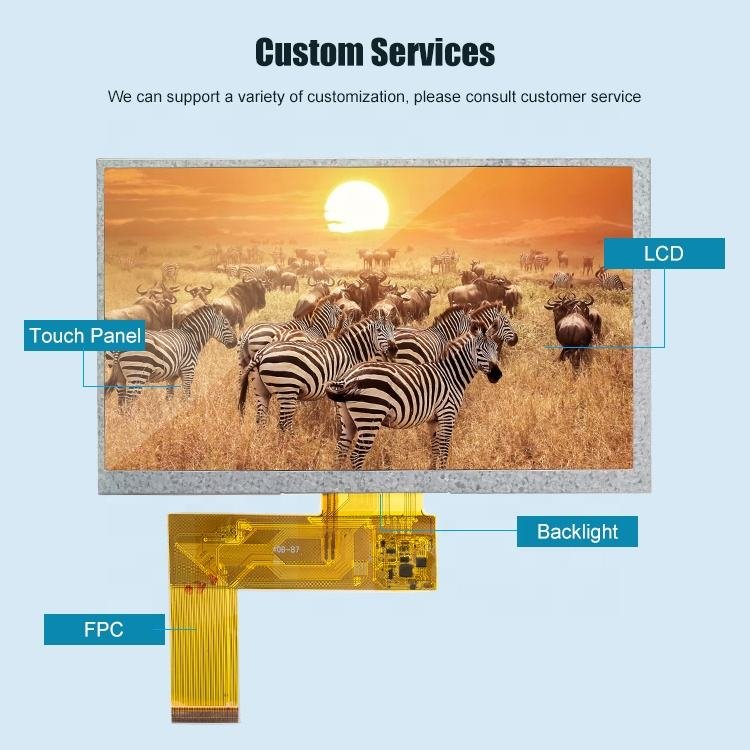
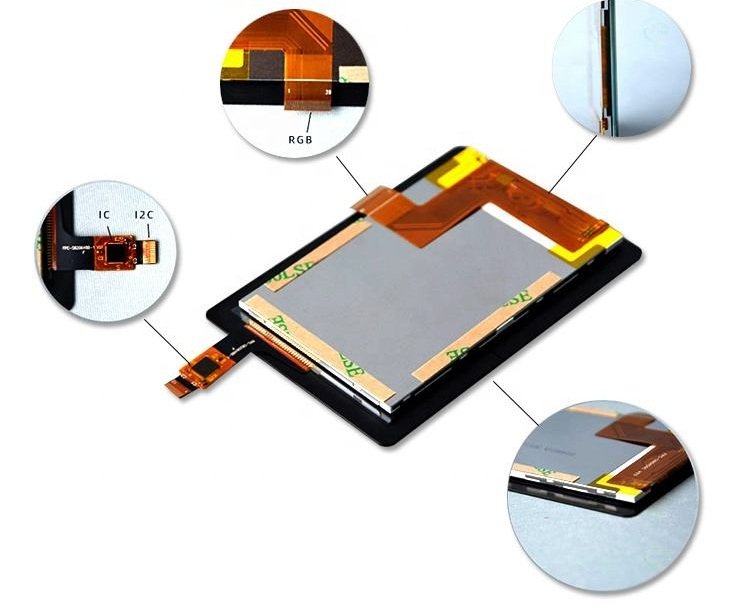
A conventional embedded interface may combine a TFT panel, PCAP sensor, touch controller, host processor, power circuitry, and application software. Each element can work individually while the complete product still has integration problems.
For example, the display may show an image but lose synchronization during heavy processing. Touch coordinates may be rotated incorrectly. A backlight may flicker at low brightness. Firmware may update successfully in development but fail to recover from interrupted power in the field.
These problems require different skills. Hardware engineers investigate timing and signal integrity; firmware engineers manage buffers and communications; interface designers validate controls and navigation.
An embedded touch screen module is useful when its verified functions match this workload. It may reduce driver development and board bring-up, but your team still owns product behavior, system testing, and integration with the machine controller.
What Is Inside a Smart Display Module?
The term covers several architectures. Define the delivered functions before comparing quotations.
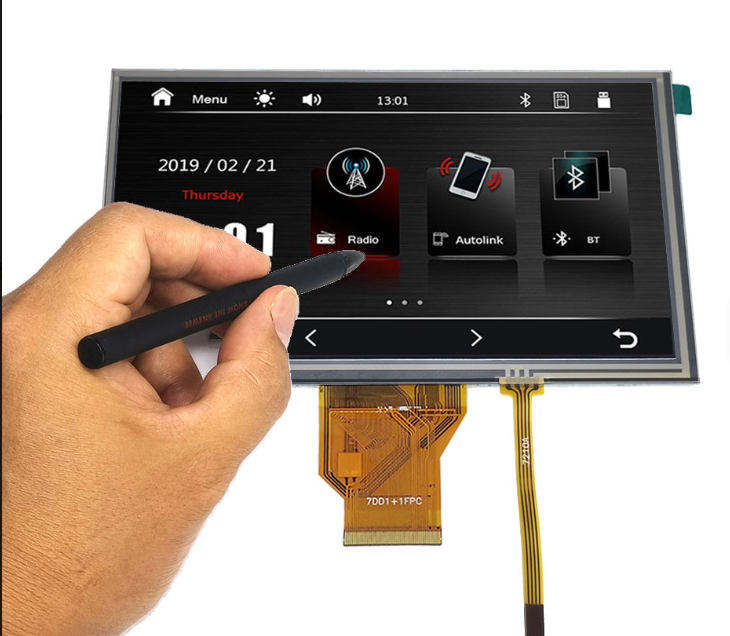
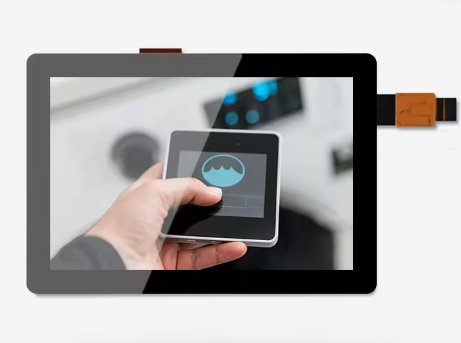
A display and touch assembly contains the TFT and touch system, but relies on your host for graphics. A programmable smart module adds a processor and a software environment where your team develops the interface. A command-based HMI stores graphical resources locally and receives commands from the main controller.
The third category may let a host update a temperature value or switch screens over UART. It does not follow that every integrated module accepts UART commands, supports RS485, or exposes USB control.
Ask for the processor, memory, storage, firmware ownership, update process, and protocol documentation. If an RS485 interface is offered, identify the transceiver arrangement, addressing, and application protocol. RS485 defines electrical signaling; it does not define the meaning of an HMI command.
Also clarify what is included in the evaluation kit. Power supplies, adapter boards, cables, touch drivers, and example projects can make the difference between immediate evaluation and another round of procurement.
Separate Display, Touch, and Host Command Interfaces
The most common selection mistake is treating UART, RGB, and MIPI as interchangeable options. They serve different roles.
| Interface | Typical role | Suitable starting point | Main integration question |
|---|---|---|---|
| UART | Commands between host and smart HMI | Simple setpoints, menus, and status updates | Is the command protocol documented and sufficient? |
| RS485 | Differential transport for supported commands | Equipment needing a suitable external communications link | Which protocol, grounding, and isolation are required? |
| RGB | Pixel data and timing from a host | MCU designs with a compatible LCD peripheral | Can the host sustain timing and memory bandwidth? |
| MIPI DSI | Serial display connection | Hosts with compatible DSI hardware | Do lanes, initialization, and electrical requirements match? |
| LVDS | Differential display connection | Compatible embedded boards and panels | Are pin mapping, bit mapping, and timing compatible? |
| HDMI | Video input through suitable electronics | SBC or PC based development | What controller board, power, and space are needed? |
| USB touch | Touch coordinates to the host | Hosts supporting the relevant USB device class | Are enumeration, drivers, and wake behavior supported? |
| I2C touch | Local connection to a touch controller | Embedded boards with short internal routing | Are voltage, address, interrupts, and driver support correct? |
RGB, MIPI DSI, LVDS, and HDMI availability is model-dependent. A passive cable generally cannot translate one protocol into another. A converter may add cost, power, startup dependencies, and another component to support.
For a 4.3 inch touch display module, first identify what the existing host can drive reliably. Then check how touch data returns. If the host is a small controller without graphics capability, a command-based architecture may deserve evaluation.
LVGL, STM32, and ESP32-S3: Check the Complete Stack
LVGL Support Means More Than a Logo
LVGL provides an embedded graphics framework, but it needs a working display port, input integration, memory configuration, and timing support. Ask for a buildable project with a specified LVGL version and toolchain.
The LVGL display setup documentation describes display buffers and rendering modes. These choices affect how graphics reach the panel, so a supplier’s example should match the actual hardware and intended workload.
For an illustrative 800 × 480 panel using 16-bit RGB565 pixels, one full framebuffer contains 768,000 bytes, approximately 750 KiB. Two such buffers need about 1.46 MiB before fonts, images, networking, stacks, and application data are added. This is arithmetic, not a minimum memory specification for every LVGL design.
Partial rendering can reduce draw-buffer requirements. However, it does not eliminate every architecture’s framebuffer or bandwidth requirements. Evaluate memory across the complete graphics pipeline rather than judging from the GUI library alone.
ESP32-S3 Touch Screen Modules
An ESP32-S3 touch screen module can be a candidate for connected controls when its graphics, memory, and connectivity resources match the application. Panel resolution, refresh behavior, and concurrent wireless activity deserve particular attention.
Espressif documents an RGB LCD driver and associated configuration in its ESP32-S3 LCD programming guide. Check documentation for the ESP-IDF version selected for production; an example written for another release may require changes.
Do not infer native MIPI DSI or LVDS support from the ESP32-S3 name. Confirm the actual interface and whether the module includes a bridge. Test your busiest screen with communications active and the required touch response.
STM32 HMI Modules
STM32 describes a broad processor family. Display peripherals, graphics acceleration, memory resources, and external memory support vary by device. A proposal should identify the exact part number rather than promise performance based on the family name.
For either processor platform, request the pin assignment, memory map, boot sequence, and update method. Confirm whether your application can be rebuilt independently and whether production programming requires supplier-only tools.
Choosing a GUI Approach
LVGL is worth evaluating when you want control over an embedded interface and have firmware resources to maintain it. A command-based UI can fit teams that mainly need established controls, numerical values, and predictable page changes.
Qt may enter the discussion for more elaborate interfaces or a platform already using its ecosystem. Verify the specific Qt product, target support, licensing, and runtime requirements; avoid assuming a desktop application can simply move to a small MCU.
Choose using representative screens. Include long translated labels, error states, trend data, and frequent value updates. A visually attractive startup screen says little about sustained performance or the effort needed to maintain a multilingual production interface.
Build Versus Buy: An Illustrative Cost Comparison
The following model compares a custom display integration with a supported module. These are planning assumptions, not QIHAN prices, measured project results, or promised development savings. Both options must deliver the same product requirements.
| Engineering activity | Custom integration hours | Supported module hours |
|---|---|---|
| Hardware and power bring-up | 70 | 25 |
| Display and touch driver work | 90 | 25 |
| GUI implementation | 120 | 100 |
| Host communications | 40 | 30 |
| Verification and recovery testing | 80 | 70 |
| Total | 400 | 250 |
| Engineering cost at $60 per hour | $24,000 | $15,000 |
The assumed reduction is 150 hours, or $9,000. That is 37.5% of the modeled engineering workload, not a claim that every module cuts development time in half.
Now assume the supported module costs $12 more per finished unit and the first production run contains 500 units. The additional hardware cost is $6,000. The modeled net advantage is $3,000 before tooling, licenses, qualification differences, and future support costs.
At the same assumptions, the simple break-even quantity is $9,000 divided by $12, or 750 units. Above that quantity, the custom option has lower modeled direct cost unless other savings change the calculation. At 2,000 units, the $24,000 hardware premium exceeds the initial engineering saving.
This does not mean custom development always wins at scale. Schedule value, field support, platform reuse, and maintenance can change the decision. Include them only when your team can estimate them without double-counting.
Selection Checklist for 2.8–7 Inch Modules
Start with the operator task. A 2.8 inch display can suit a focused status interface; 3.5 inch and 4.3 inch formats can accommodate compact instrument menus; 5 inch and 7 inch options provide more space for multiple controls. Validate actual text and target sizes before choosing the diagonal.
Then document resolution, orientation, brightness, dimming range, viewing angles, and permitted startup time. Add operating and storage temperatures, supply limits, mounting details, and connector access.
For PCAP touch, define touch points, glove requirements, wet behavior, and the cover lens. Optical bonding, anti-glare treatment, high brightness, and an IP65 front panel may be appropriate project requirements, but must be confirmed for the complete configuration.
For software, require source access where needed, a build procedure, versioned dependencies, a license list, and a recovery process. For supply continuity, request change notifications, end-of-life procedures, and the commercial terms covering long-term availability.
Evaluate the Module Before Freezing the Design
Build one representative application rather than a collection of unrelated demos. Use the intended font sizes, languages, screen transitions, and communication load. Measure boot time, touch-to-visible response, and memory headroom.
Interrupt power during an update and verify the agreed recovery behavior. Disconnect the host link and confirm that stale values cannot be mistaken for live machine data. Reconnect without rebooting the entire system and observe what the operator sees.
Repeat the evaluation at relevant temperatures and with the production power supply. Keep the module revision and software build with the results. These checks turn a purchasing decision into a documented engineering choice.
For application examples, read Small Touch Screen Displays for Smart Home and Appliance HMI. If operators wear gloves or work around water, also review Industrial Glove Touch Screens: Choosing PCAP for Wet Environments.
FAQ
What is an integrated smart display module?
It is an assembly that combines a display with processing and software for interface functions, often including touch. The integration level varies, so confirm whether the module runs your code, accepts commands, or simply provides display and touch hardware.
Can I run LVGL on a 4.3 inch module?
Potentially. Screen diagonal does not determine compatibility. The processor, available memory, display driver, resolution, and rendering workload do. Request a working project for the exact module and test your real interface.
How do smart display modules shorten development time?
They can reduce board bring-up, driver porting, and repeated integration work. Savings depend on documentation, software quality, and how closely the supplied architecture matches your requirements. Application logic and final verification still need engineering effort.
What interface should I choose: UART, RGB, or MIPI?
Choose UART when communicating commands to a compatible smart HMI. Choose RGB or MIPI DSI when the host generates graphics and supports the panel interface. These choices represent different system architectures, not just different connectors.
Discuss Your Display Architecture With QIHAN
Send QIHAN your host processor, target size, resolution, preferred interface, annual volume, and sample UI screens. Ask which display configurations and evaluation resources are available, and clarify whether your project needs a display assembly or a complete smart HMI.
About QIHAN
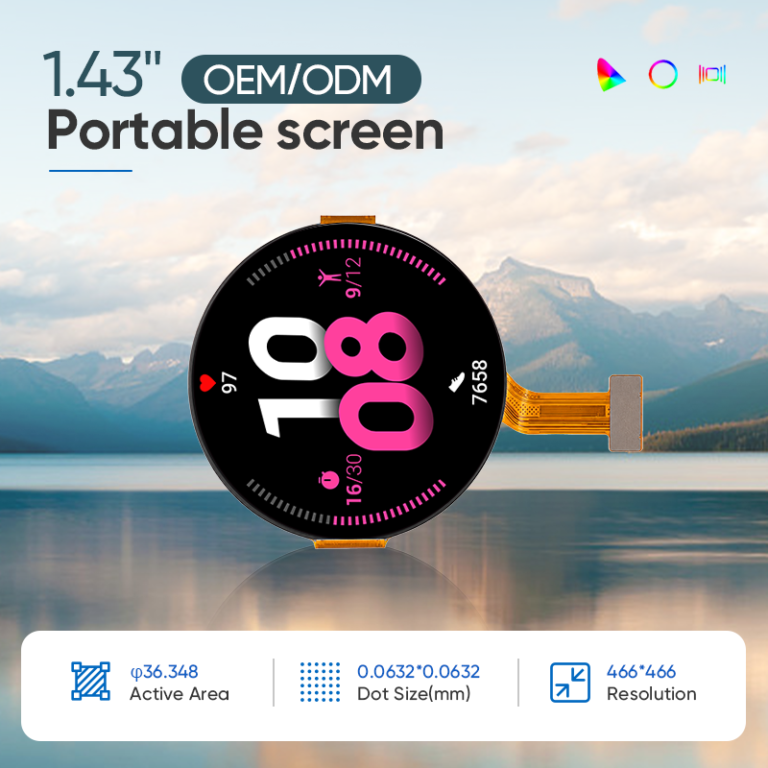
QIHAN is a manufacturer of small and medium industrial displays focused on 2.8–10.1 inch applications. Contact QIHAN to discuss PCAP touch integration and project requirements for open-frame assemblies, front panels, or round displays. Customization, interfaces, performance specifications, and availability should be confirmed for the selected configuration.